Overview
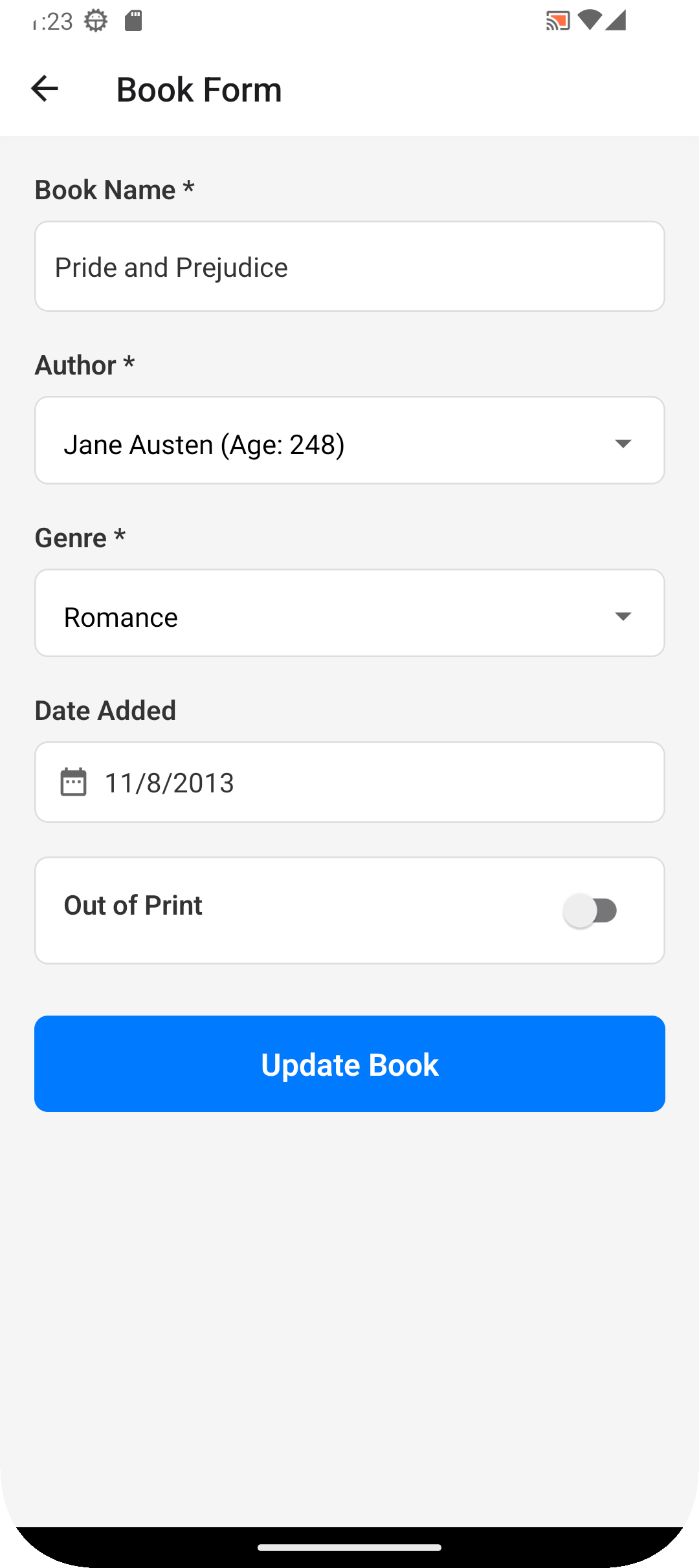
The Library Information System (LIS) is a sample Android application built to help test automation engineers practice creating mobile tests in Rapise. The app simulates a standard library management system with role-based access control, CRUD (Create, Read, Update, Delete) operations, and standard mobile UI controls such as text fields, dropdowns, date pickers, and toggle switches.
You can download the APK file attached to this article to install it on your Android emulator or physical device.
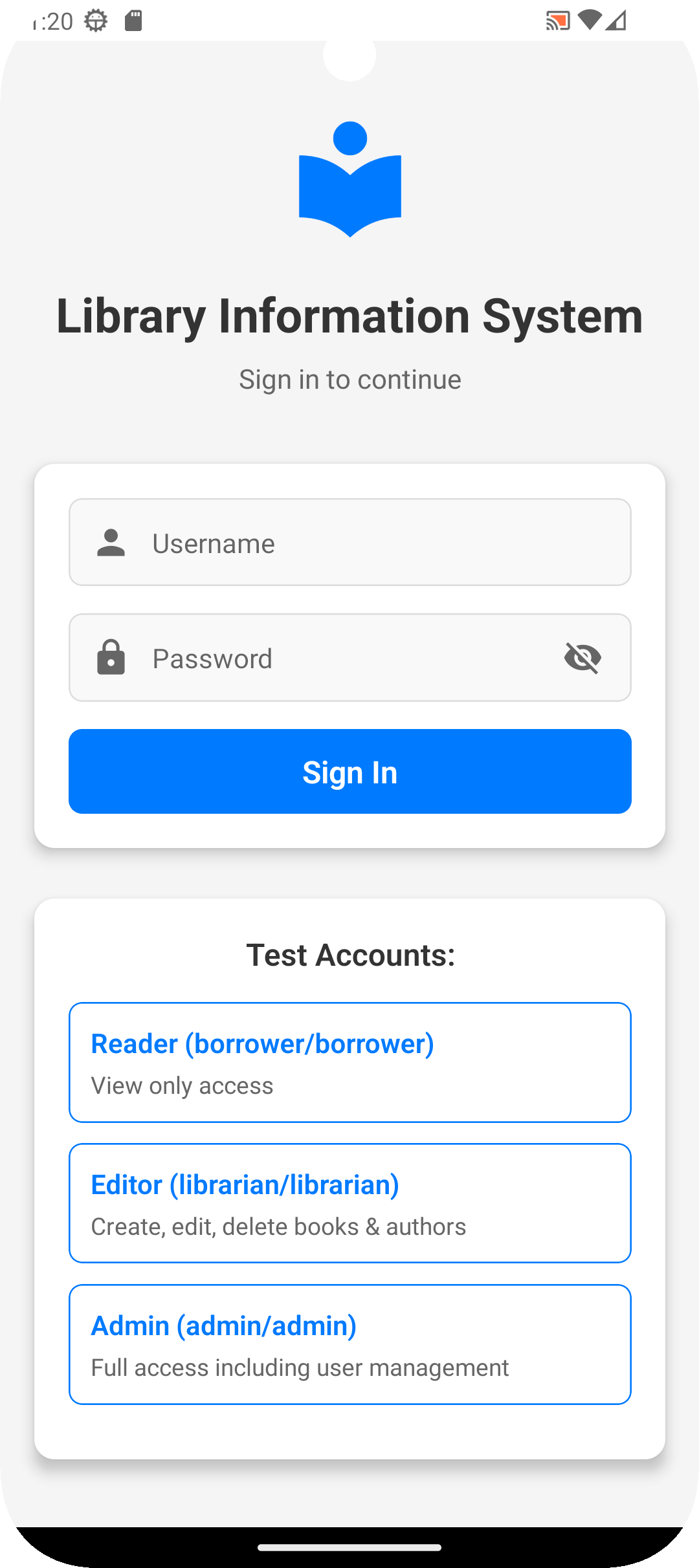
Test Accounts & Roles
The application supports role-based access, which is excellent for testing different UI states and permission flows. The built-in test accounts are:
Reader: Username: borrower | Password: borrower (View-only access)
Editor: Username: librarian | Password: librarian (Create, edit, and delete books & authors)
Admin: Username: admin | Password: admin (Full access, including user management)
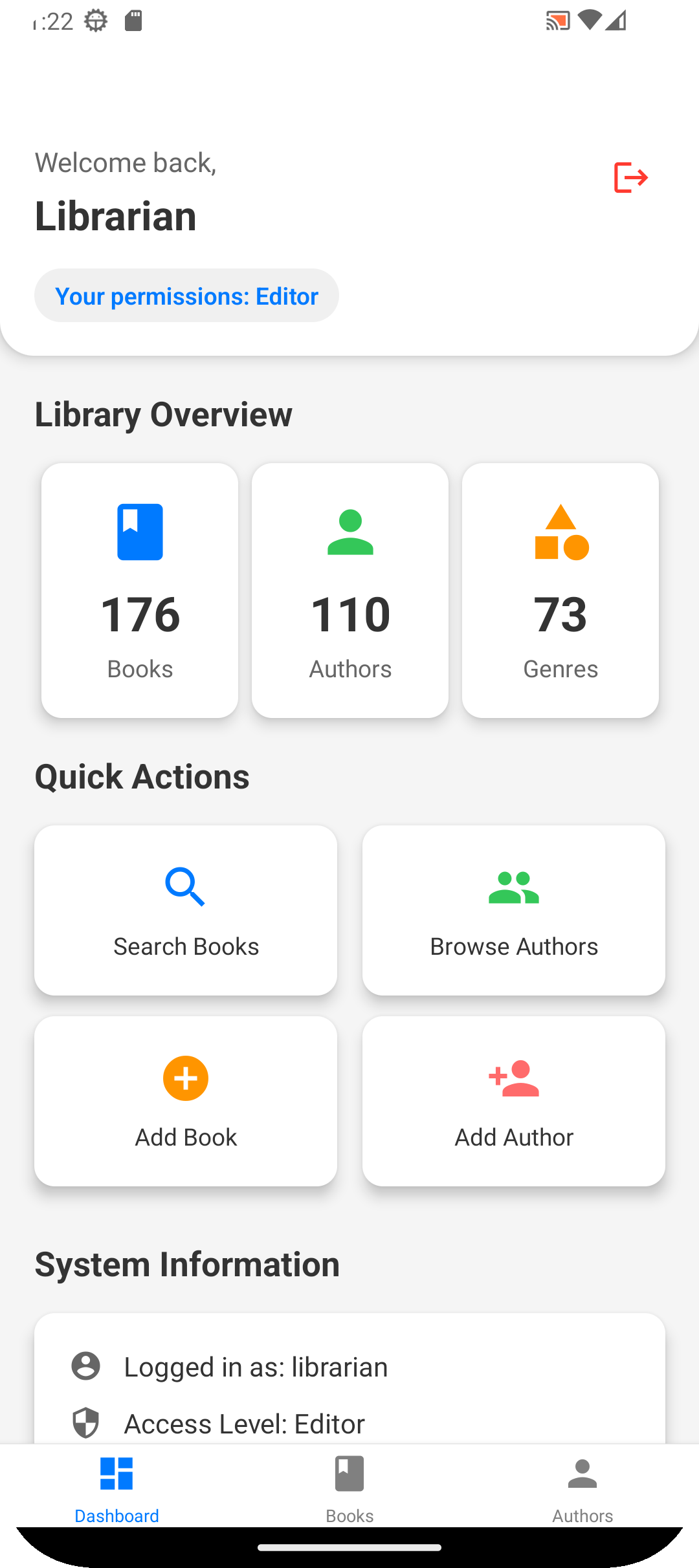
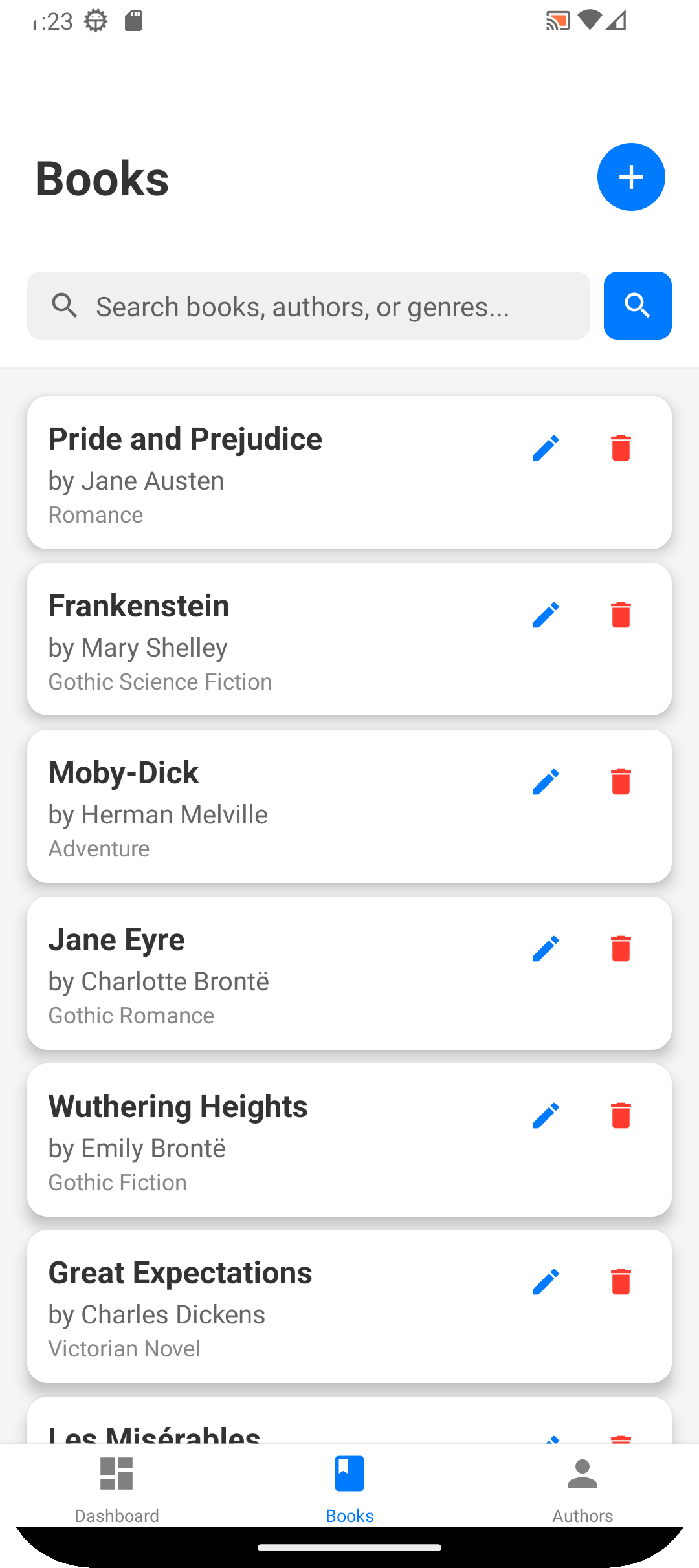
Key Screens & Controls to Test
When using the Rapise Mobile Spy, you will encounter the following screens and controls:
How to Use With Rapise
Download the LIS.apk file attached at the bottom of this article.
Ensure your Android device or emulator is running and connected via ADB.
In Rapise, configure your Mobile Profile to point to this APK file (using the app capability).
Launch the Rapise Mobile Spy to begin inspecting elements, recording actions, and capturing objects for your test repository.