SpiraTest Features
Test Management Software
SpiraTest provides a complete Quality Assurance solution that manages requirements, tests, bugs and issues in one environment, with complete traceability from inception to completion.
Below are some of the most popular features in SpiraTest. Click on the appropriate feature name to learn more about the functionality that SpiraTest offers:
Requirements Management
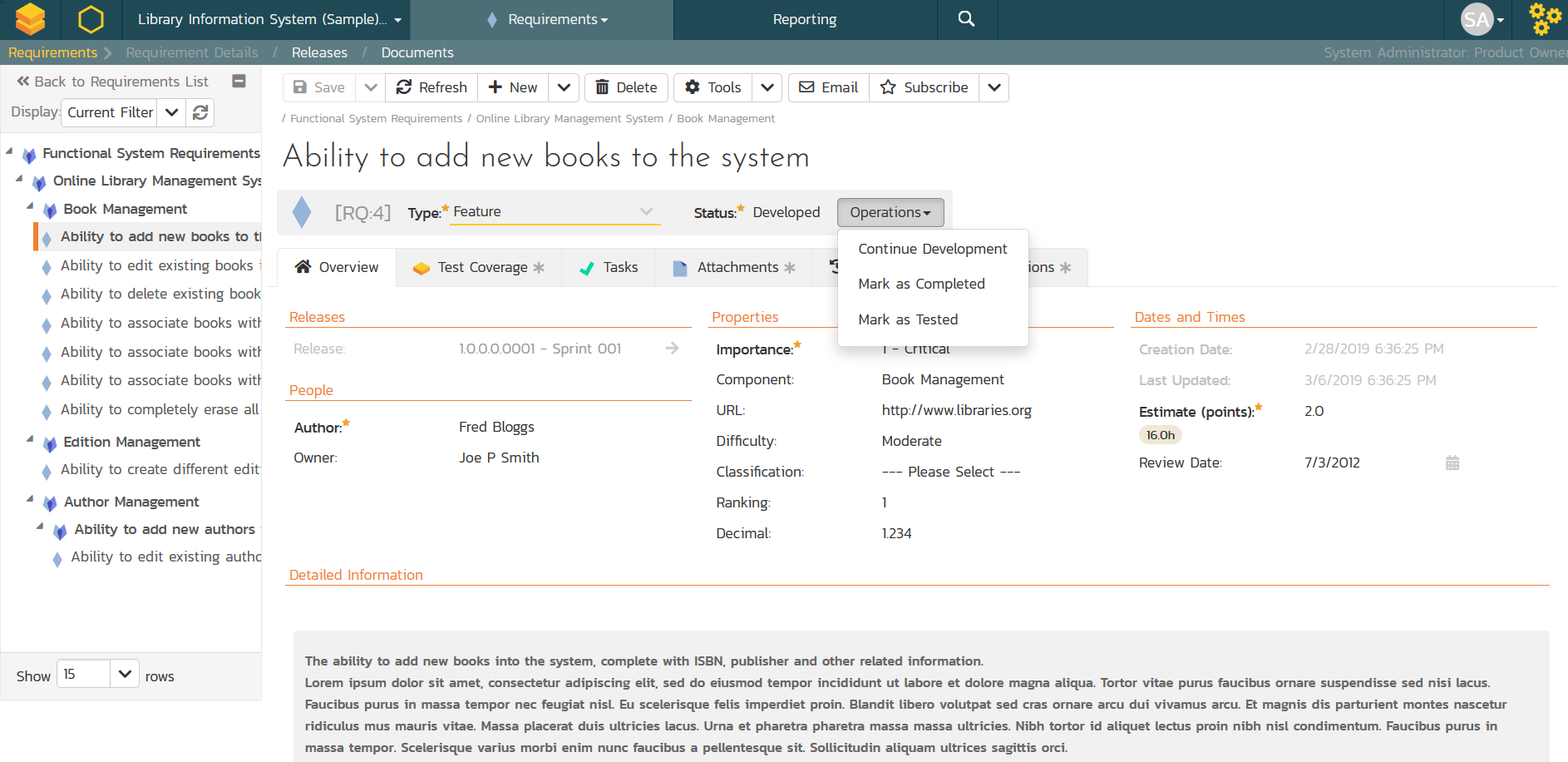
Requirements Management
Requirements Management by SpiraTest - when your team needs a tool for requirements capture and management and for requirements test coverage and traceability. Try SpiraTest for free today!
Document Collaboration
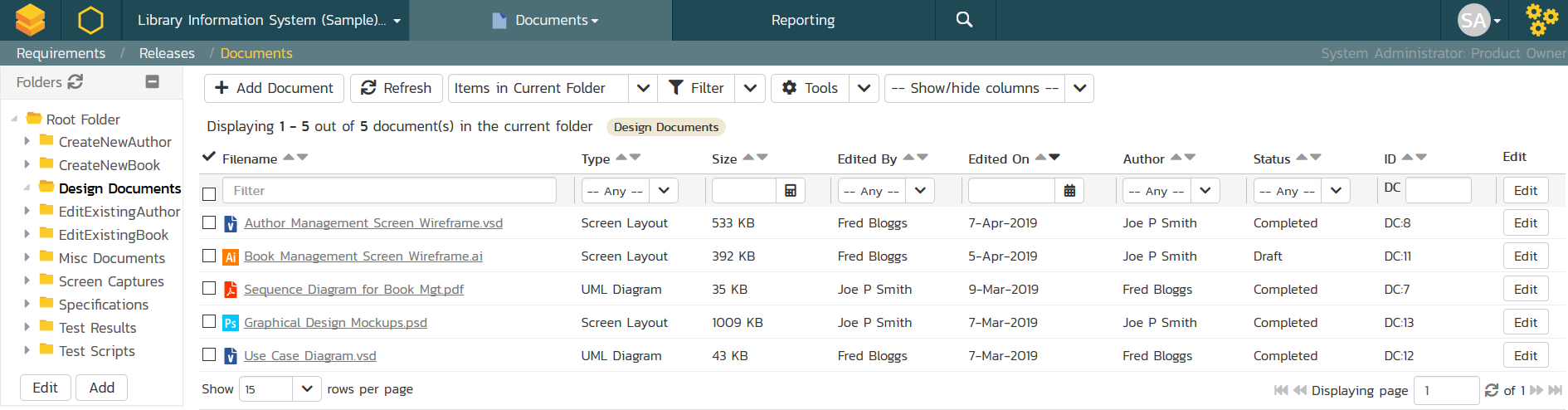
Document Collaboration with SpiraTest - an integrated web-based document management system with folder organization, documentation taxonomies, meta-tagging and version control. Try SpiraTest for free today!
Artificial Intelligence
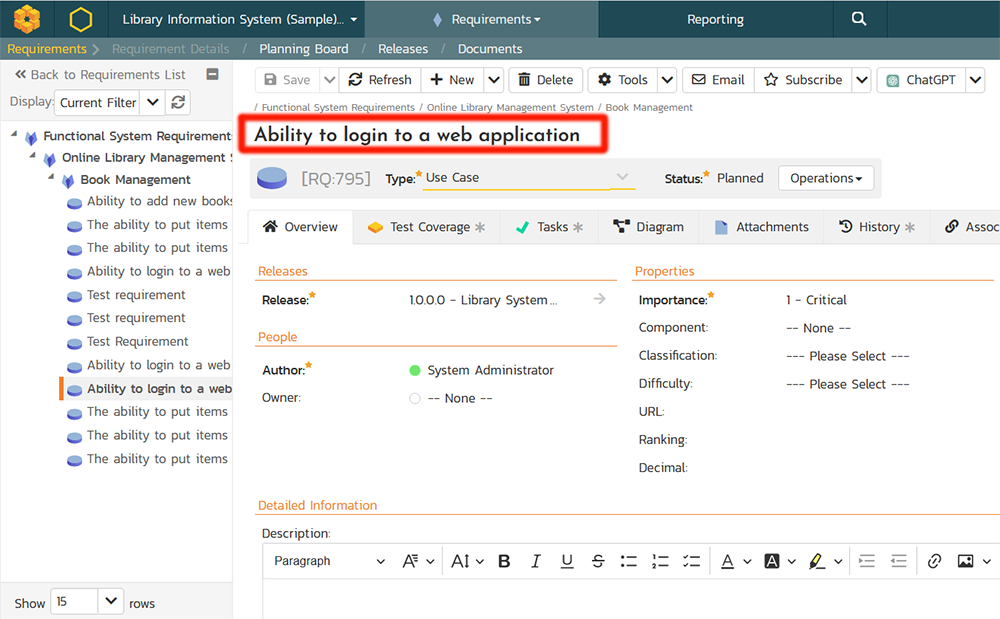
SpiraTest's artificial intelligence functionality empowers you to automate the creation of essential project artifacts from requirements, such as user stories, features, epics, and business/system requirements. It allows you to quickly generate a set of standard test cases and BDD Gherkin scenarios that can then be refined and improved as needed. We have versions that use both the public OpenAI GPT models and private Azure OpenAI LLMs.
Test Management
Test Case Management
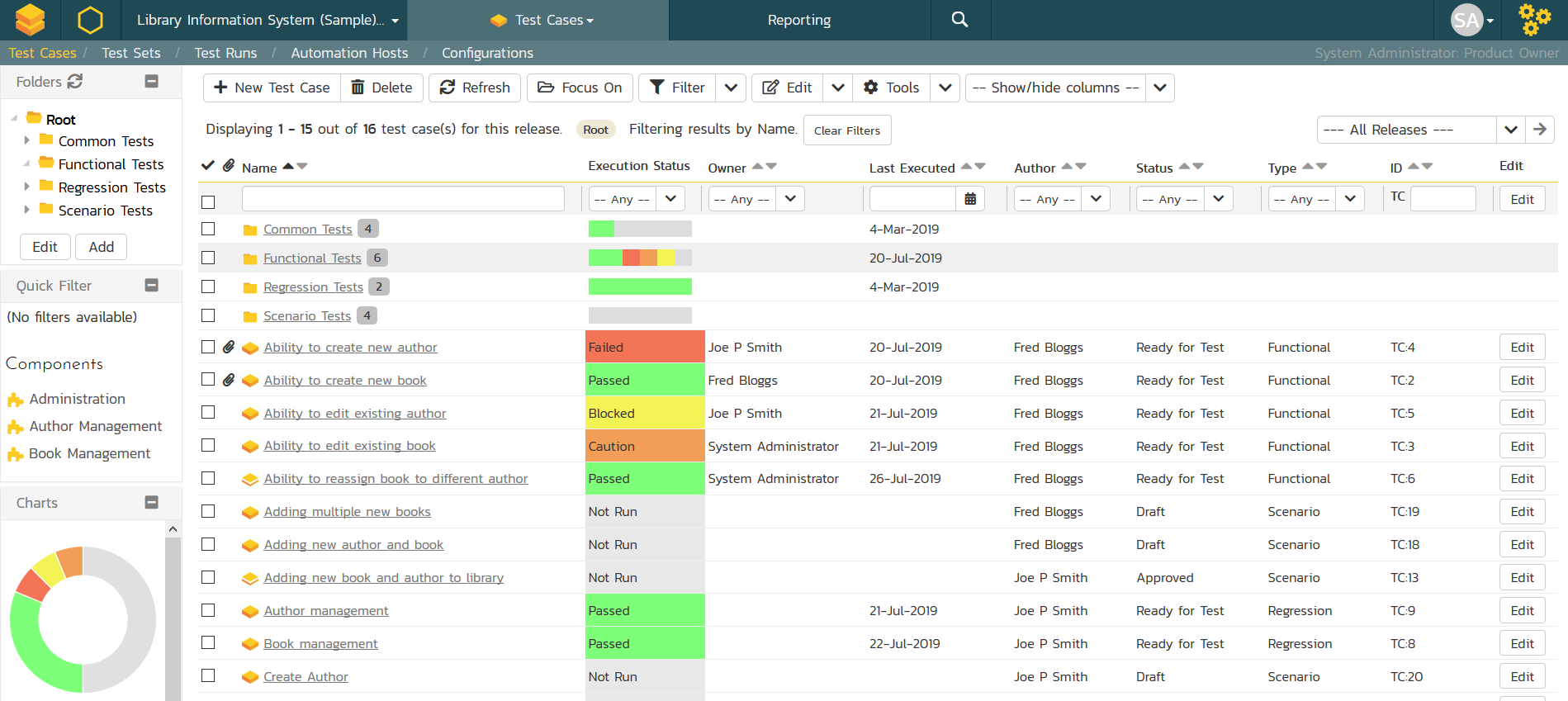
Test Case Management by SpiraTest supports test review and workflow management, test coverage for requirements, test scheduling, and Data-Driven Testing with test configurations - all tracked in real time.
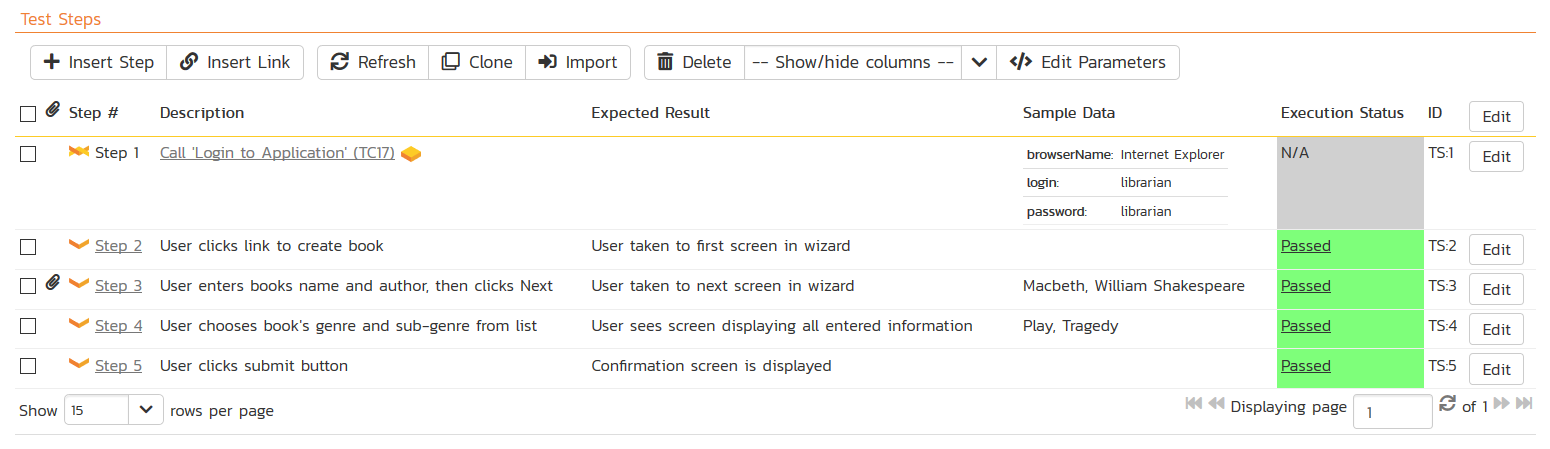
Manual Testing
SpiraTest provides the ability to execute groups of test cases using an easy-to-use test execution wizard that allows you to mark each step as pass/fail and optionally record a bug / defect. This provides complete traceability from a recorded defect to the underlying requirement.
Automated Testing
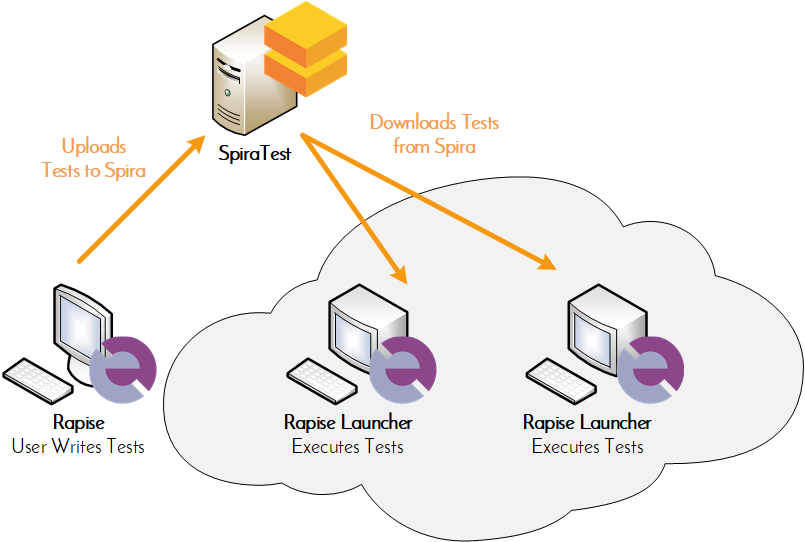
Automated Testing in SpiraTest lets you manage your automated and manual testing in the same environment. Seemless intergation with Rapise. Plug-ins for: UFT, TestComplete, Ranorex, and Selenium.
Exploratory Testing
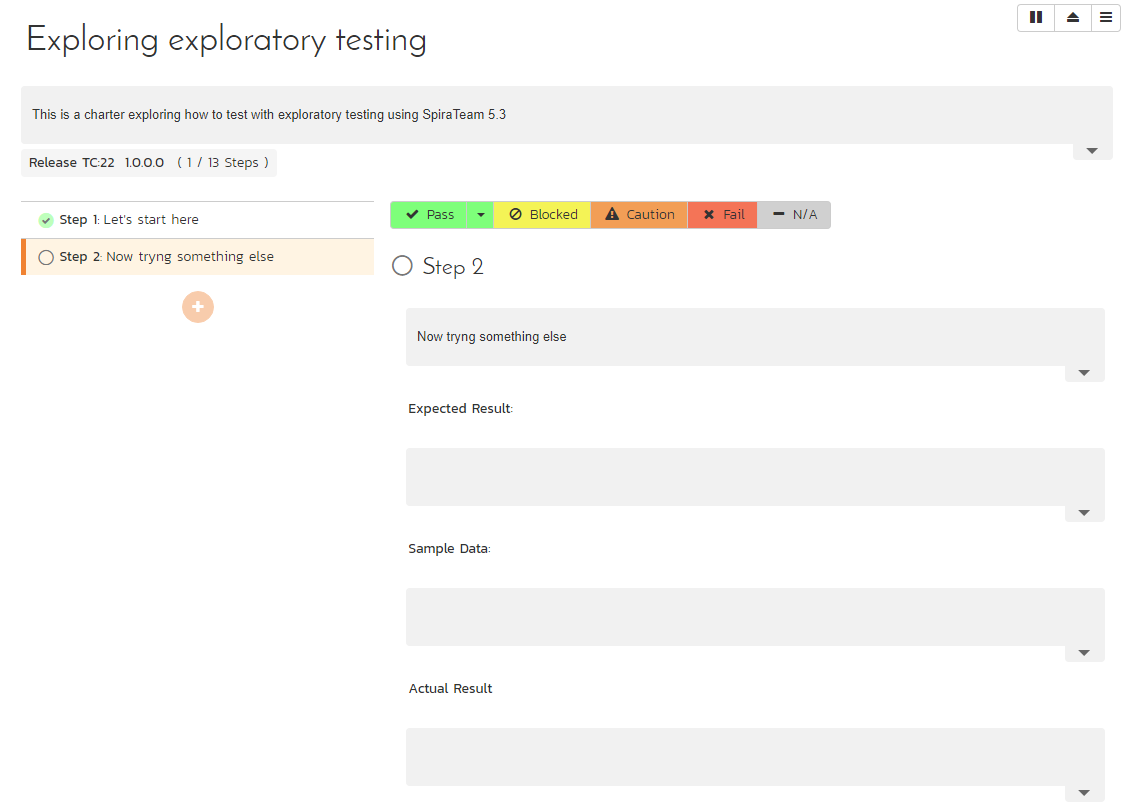
SpiraTest includes a dedicated exploratory testing mode where you can create and edit your tests on the fly during testing. It also includes tools for tracking follow-up activities between the developers and testers.
Bug Tracking
Bug Tracking Software
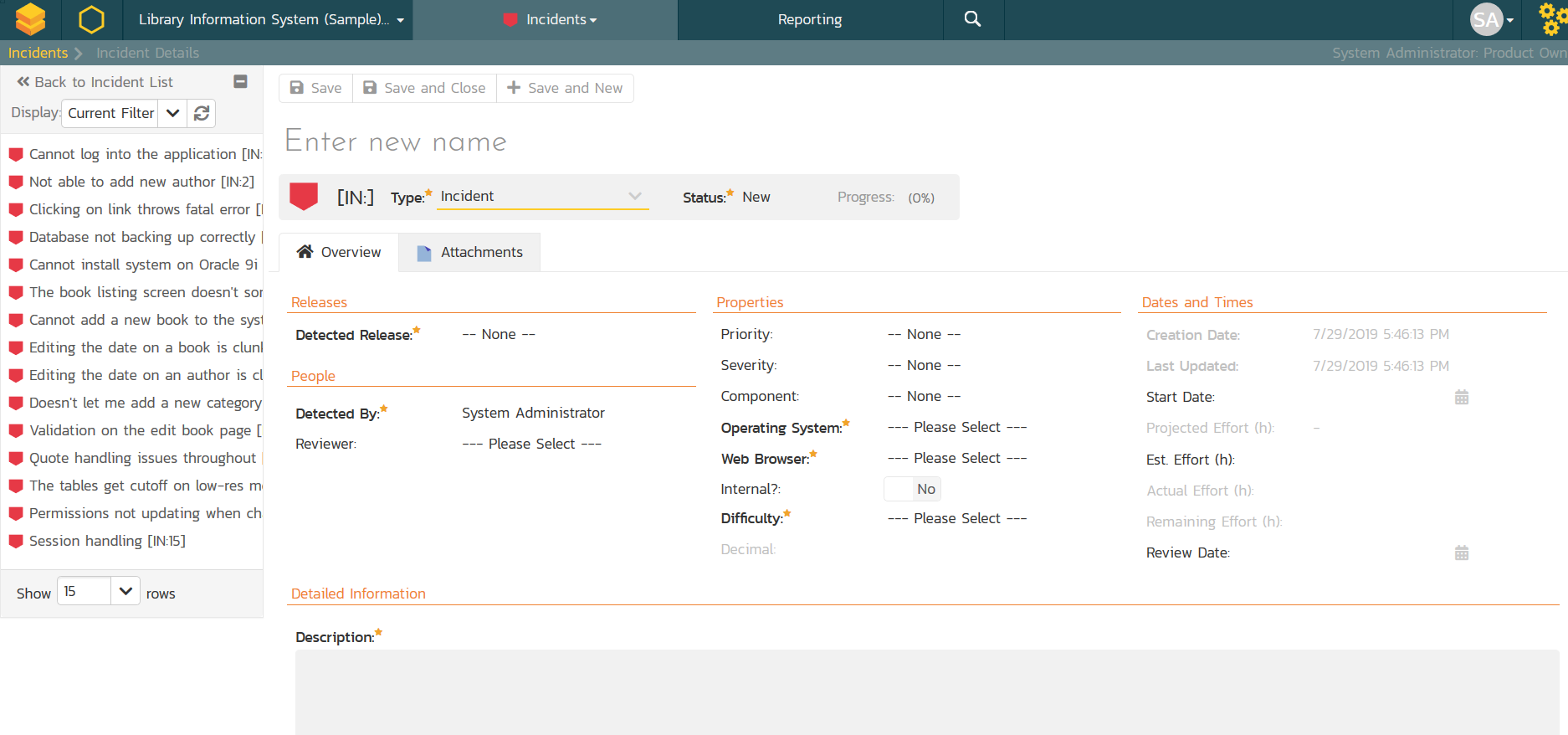
Looking for a better way to track bugs and issues? SpiraTest offers a complete bug tracking solution that manages your entire testing process.Bug tracking features include support for customizable workflows and fields, flexible reporting, configurable email notifications, and fully editable statuses, priorities, severities and bug types.
Build Management
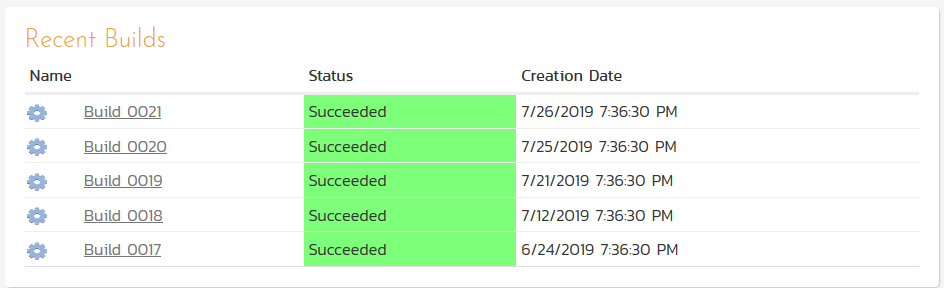
Build Management in SpiraTest lets you integrate with continuous integration build servers with full traceability for each build. Try SpiraTest for free today!
Compliance Management
Release Management
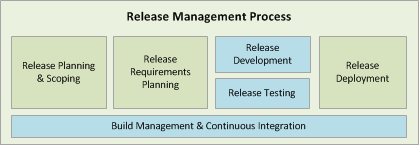
Release Management with SpiraTest - manage the list of releases; associate Test Runs and Incidents with releases; drill down each release for test runs and bugs. Try SpiraTest for free today!
Electronic Signatures
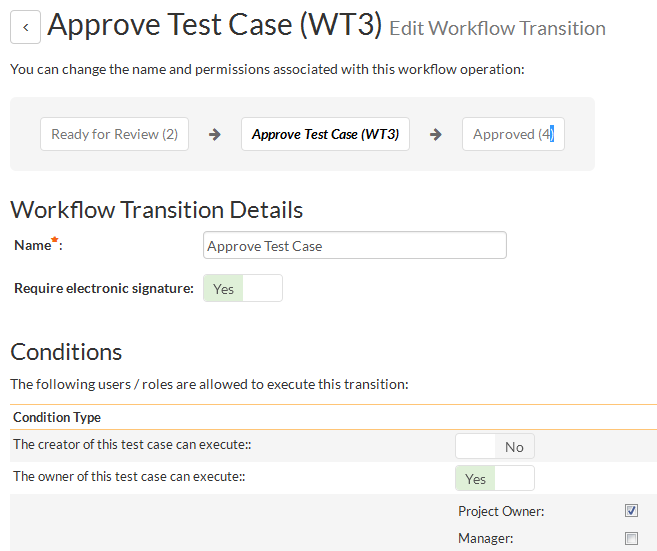
In regulated industries such as healthcare, there is often a requirement for specific actions within the quality management system to be signed by an approver. SpiraTest provides built-in support for electronic signatures (digital signatures) out of the box.
Single Sign On (SSO)
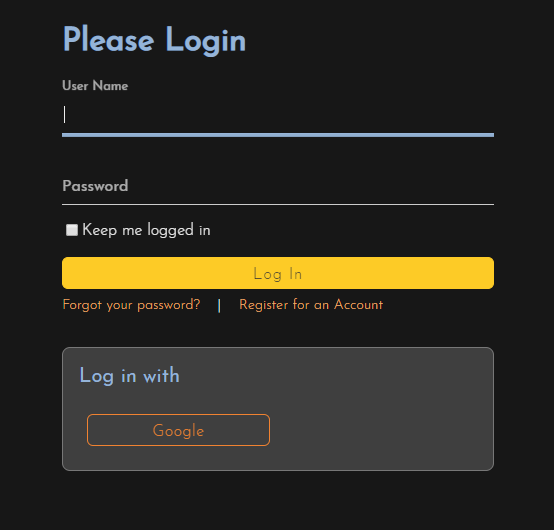
Single Sign-On (SSO) is an enterprise user authentication tool that enables users to log in to and access multiple applications, websites, and data using just one set of credentials. Compliance relies on identity management, knowing who a user is at all times. SpiraTest include support for SSO out of the box in all versions, at no additional cost.
Customization & Configuration
Administration
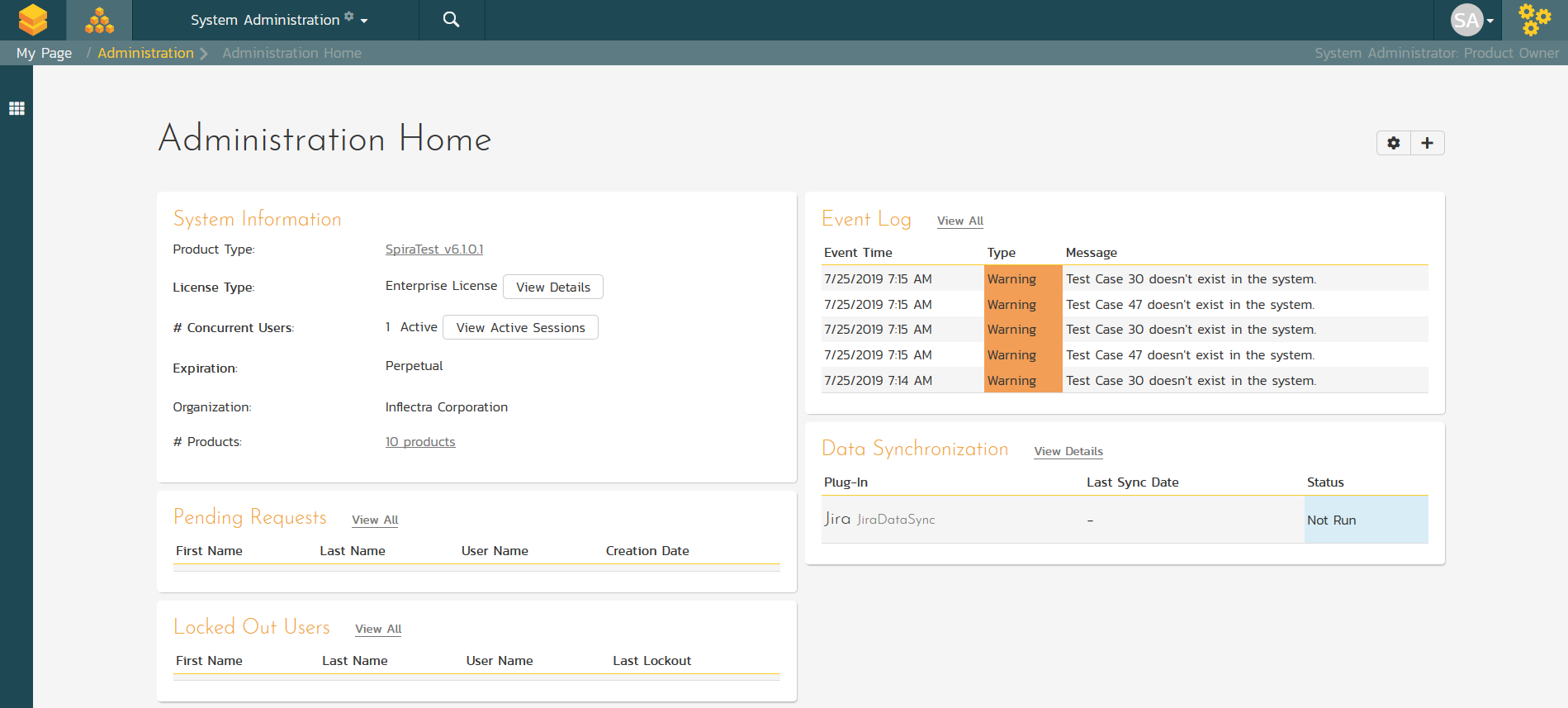
SpiraTest has an extensive administration capability that can be accessed using just a web-browser. To reduce the burden on IT staff, you can delegate project administration to different users, allowing project managers to be self-sufficient.
Customization
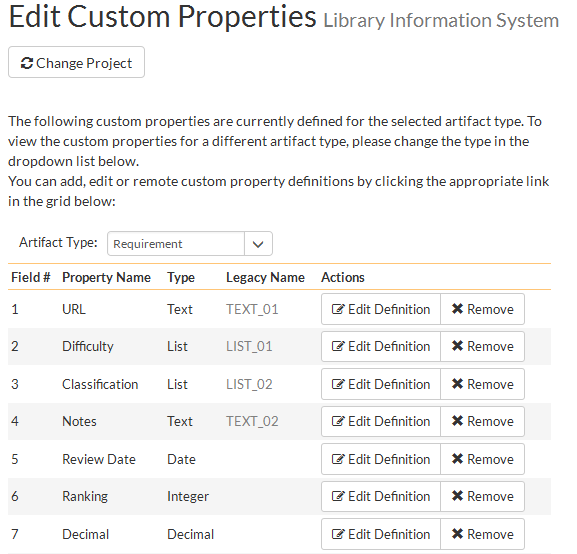
Customize SpiraTest to integrate with your process - configure workflows and customize properties throughout Spiratest without any coding or scripting. Try SpiraTest for free today!
Notifications & Email
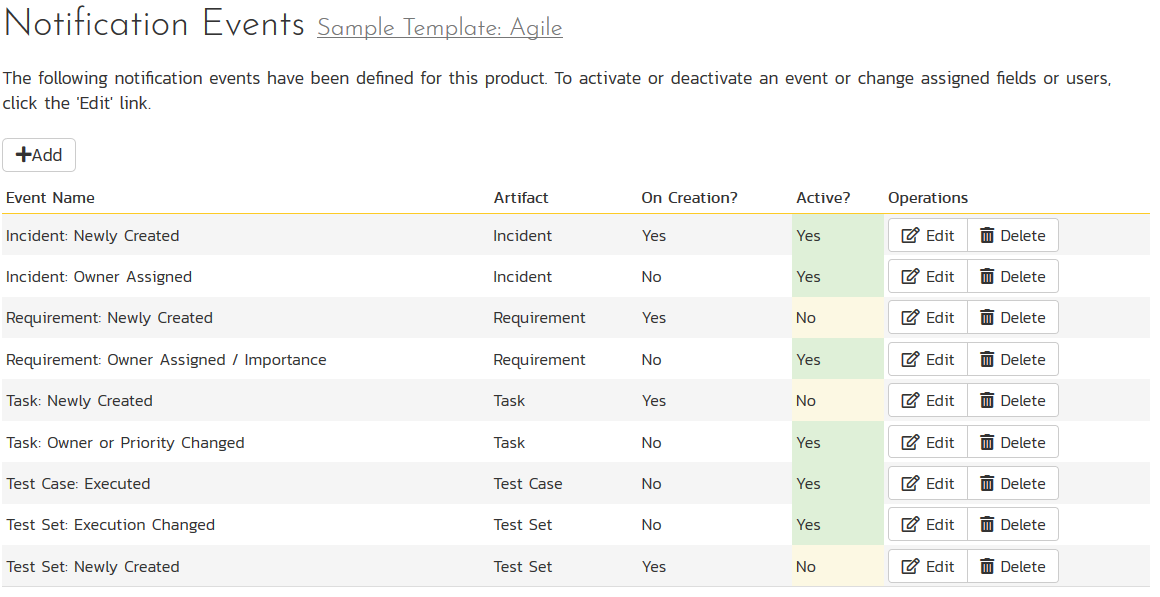
SpiraTest has powerful email integration capabilities that ensure that all users are notified about changes in the system, and allows users to raise incidents and post comments directly from their email system.
Reporting & Analytics
Project Management
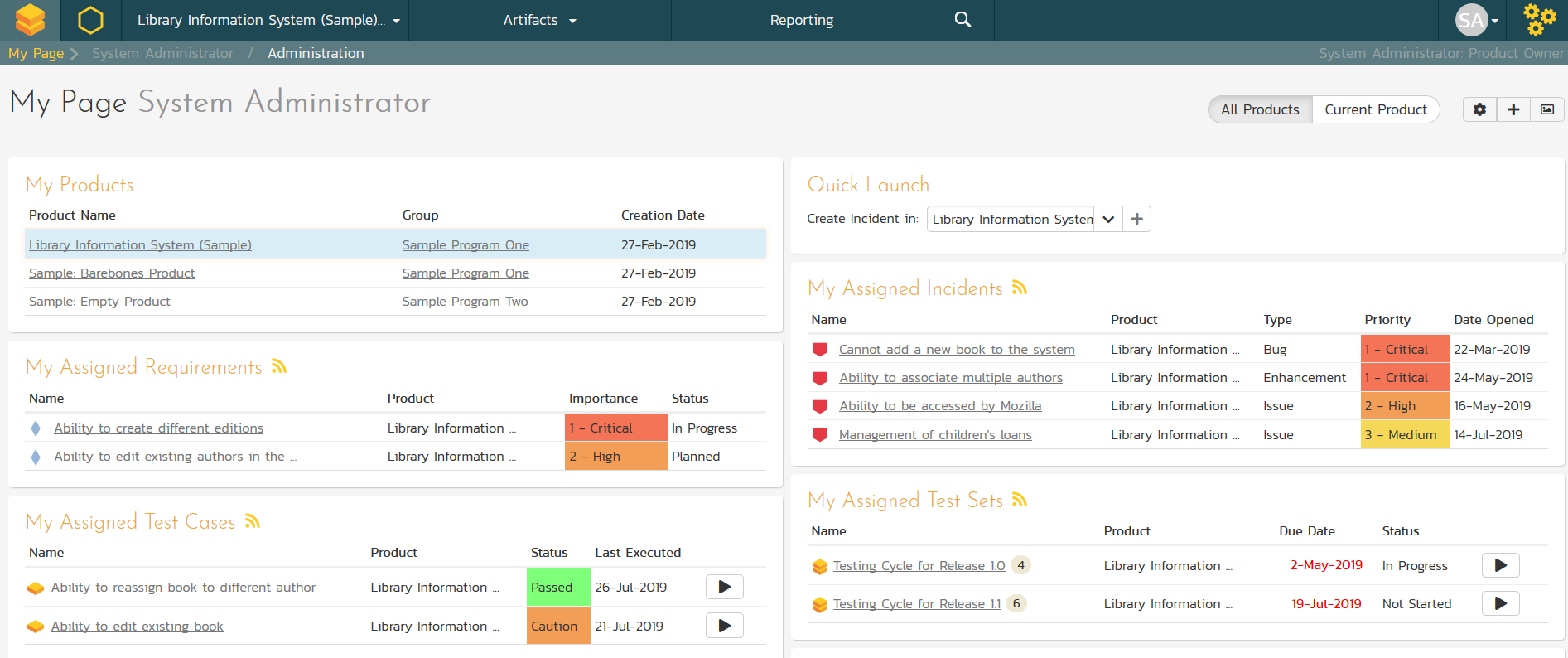
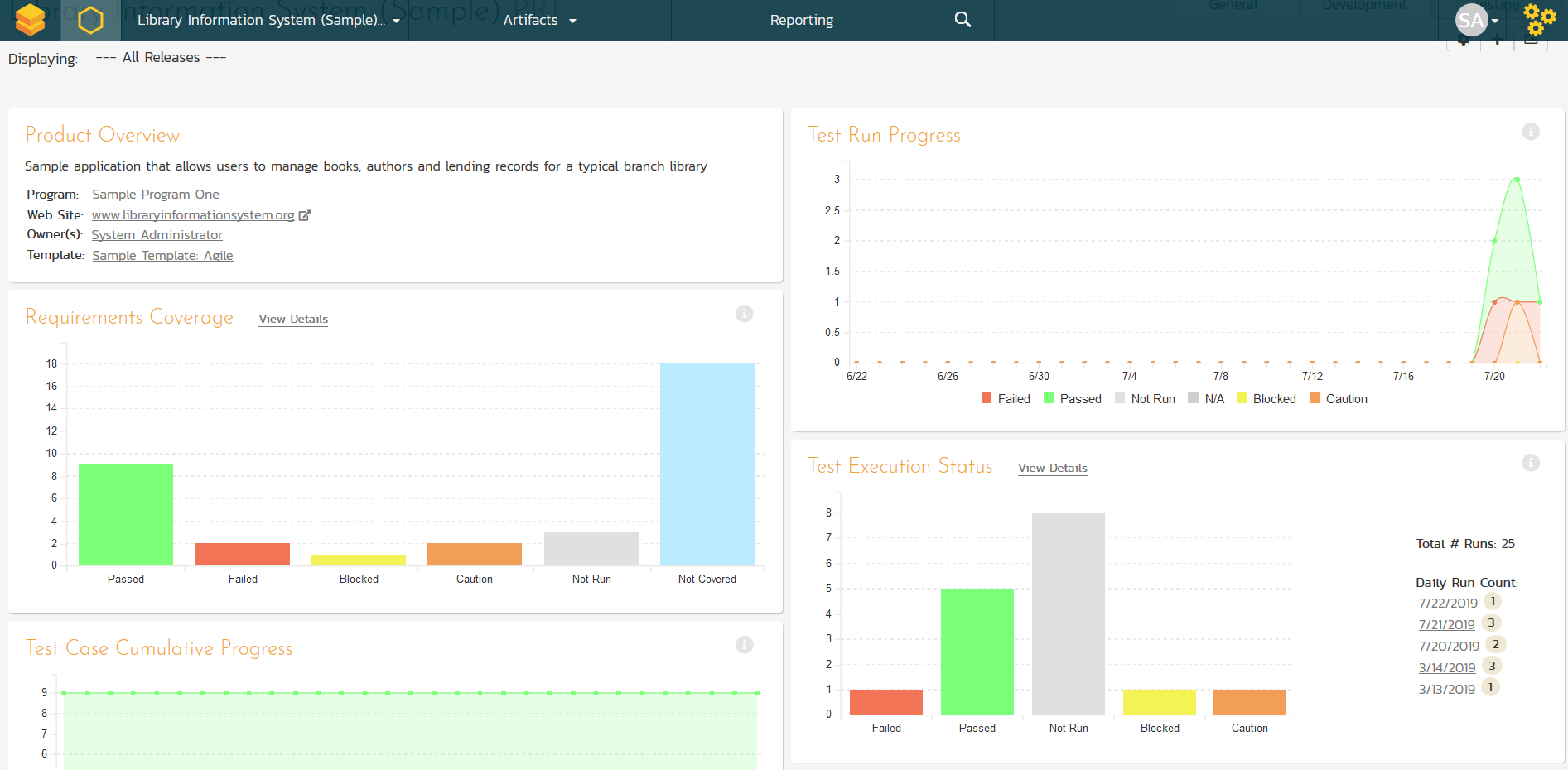
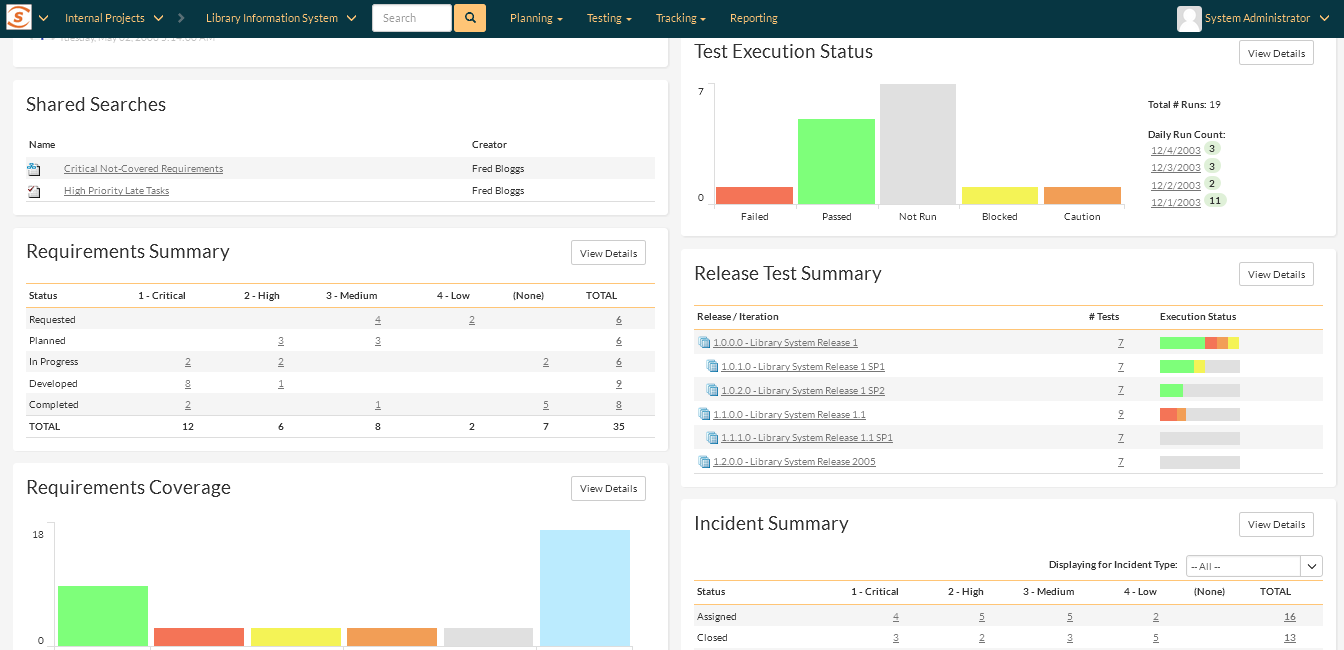
Project Management with SpiraTest - see the health of your project on a detailed and easy-to-use project dashboard that displays all your artefacts. Try SpiraTest for free today!
Reporting
SpiraTest makes reporting a breeze - use our extensive library of printable reports and graphical charts. Customize through XML-based report templates. Try SpiraTest for free today!
Other
Mobile Responsive
SpiraTest has full support for all mobile and desktop devices with its 100% responsive web interface. SpiraTest supports all the modern devices and platforms, including iOS (iPhone, iPad), Android, Linux, MacOS and Windows.
Rich Content Editing
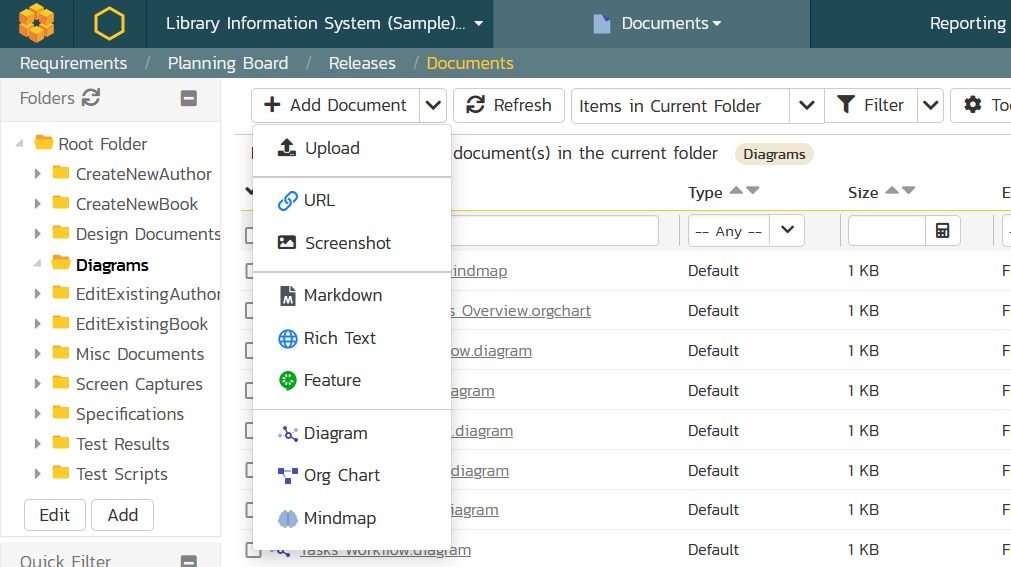
SpiraTest makes the capturing and collaboration on unstructured content easy. You can author textual content in markdown, rich text, and Gherkin BDD feature-file format as well as create flowcharts, mindmaps and other diagrams directly inside the system. The internal Wiki lets you link pages together, embed diagrams and comes with built-in version tracking and rollback. Finally, there is also a built-in spreadsheet editor for tabular data.
Data Migration
Data Migration with SpiraTest - import requirements, test cases, releases and incidents from your templates with our import wizard or our Add-Ins for MS Word, Excel and Project. Try SpiraTest for free today!


Feature Checklist
Read the complete checklist of features that make SpiraTest your best choice for quality and test management.
Try SpiraTest free for 30 days, no credit cards, no hassle
Start My Free TrialAnd if you have any questions, please email or call us at +1 (202) 558-6885